Bluebeam

Save time and money, project after project.

Manage projects on any device, anywhere
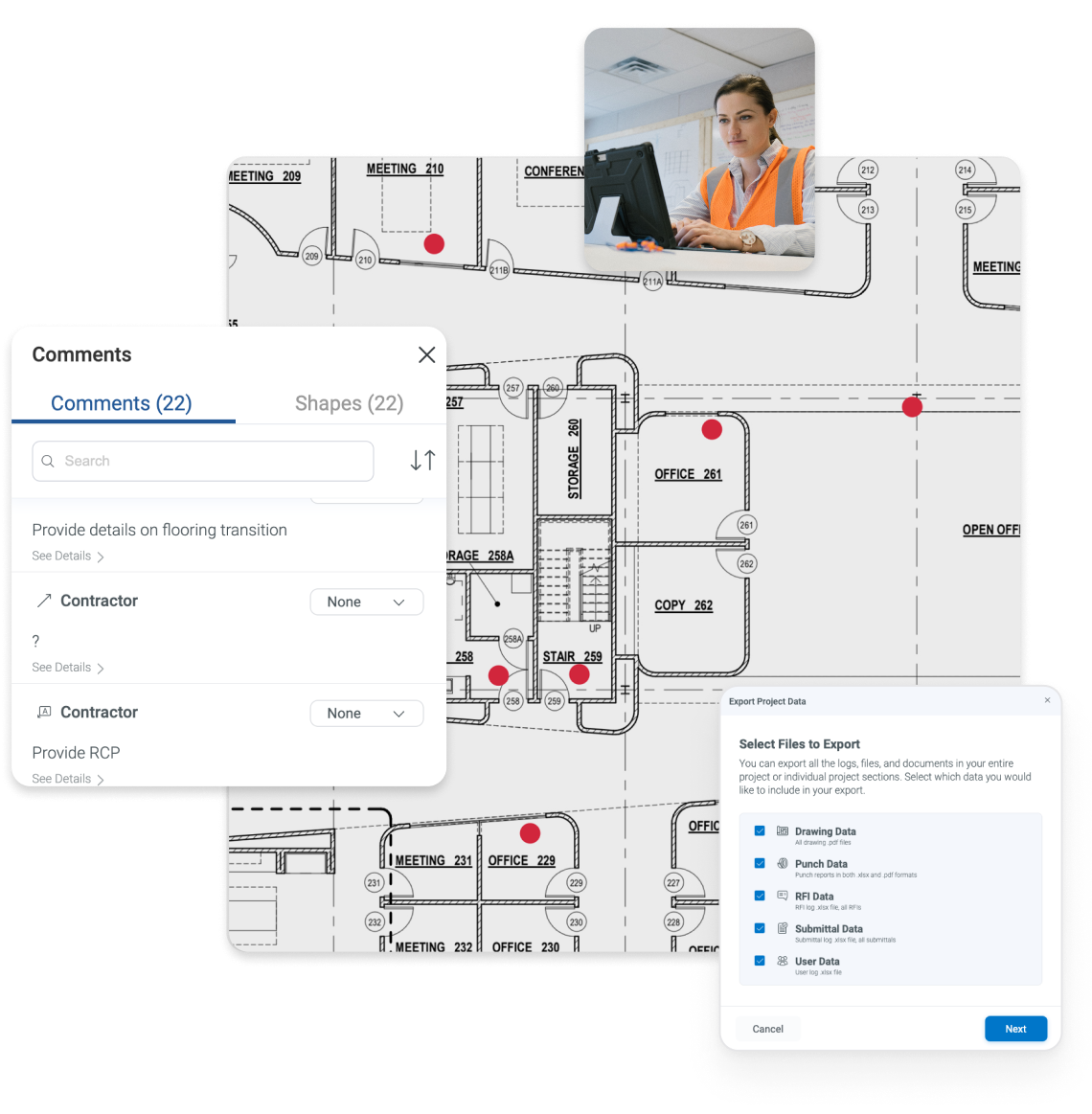
Bluebeam's desktop and cloud collaboration solutions are built on open standards, so you can seamlessly access documents and data on any web or iOS device, onsite or off.
Your work, your way
Choose from three subscription plans tailored for a variety of project needs in the office and the field. Each plan combines Revu and Bluebeam Cloud functionality with services designed to help you maximize productivity.
Basics
- PDF creation, viewing, editing and markups
- Measure length and area (no perimeter)
- Participate in Studio collaborations
- No perimeter or advanced measurements
- No ability to initiate or manage Studio collaboration
Basics
Core
- Specialty markup tools for 2D and 3D PDFs
- Measure perimeters, counts, angles, volume
- Overlay and batch compare drawings
- Initiate and manage Studio collaborations
- CAD plug-ins and workflows
Core
Complete
- Dynamic Fill measurements and markups
- Quantity Link with Microsoft Excel
- Advanced markup reporting
- Batch Link® hyperlink automation
- Batch Slip Sheet automation
- Batch signatures and seals automation
- Scripting commands for custom automations
- Previous version technical support for existing Revu 20 users
Complete
Max
- Al integration via MCP
- Al drawing reviews
Al drawing comparisons - Al multi-view Stitching
- Magic Markups: Duplicate as, Convert to, Offset
- Connected Studio Sessions with Revit®
- Claude Setup
Max
| Compare all features | Basics | Core | Complete | Max |
|---|---|---|---|---|
|
Markup PDFs with customized text, highlighters, shapes, stamps, and vector pen annotations |
|
|
|
|
|
Track and manage annotations |
|
|
|
|
|
View, filter and sort markups and comments in the Markups List |
|
|
|
|
|
Save and reuse tools from the Tool Chest |
|
|
|
|
|
Change the tool subject and add a comment in the Tool Chest |
|
|
|
|
|
Set and remove scale from tool sets |
|
|
|
|
|
Make markups on captured photos |
|
|
|
|
|
Multiply markups |
|
|
|
|
|
Assign markups to layers |
|
|
|
|
|
Flatten PDF markups |
|
|
|
|
|
Import PDF markups |
|
|
|
|
|
Redact PDF content permanently |
|
|
|
|
|
Translate markups to different languages |
|
|
|
|
|
Create and add dynamic stamps to PDFs |
|
|
|
|
|
2D photo markups |
|
|
|
|
|
Insert hyperlinks into documents and assign a hyperlink to a specific area |
|
|
|
|
|
Create custom Markup List filters and save them for reuse |
|
|
|
|
|
Embed 2D photos in markups with Capture |
|
|
|
|
|
Embed 360° photos and videos in markups with Capture |
|
|
|
|
|
Calibrate tool sets to dynamically resize on PDFs with different scales/viewports |
|
|
|
|
|
Create and save markup legends to the Tool Chest |
|
|
|
|
|
Create, view and apply custom hatch patterns |
|
|
|
|
|
Sketch to Scale tools: markup your drawings with accurate polygons, polylines, rectangles, and ellipses that are calibrated to drawing scale |
|
|
|
|
|
Create custom statuses |
|
|
|
|
|
Magic Markups: Duplicate markups as another type, such as a perimeter measurement copied as an area measurement |
|
|
|
|
|
Magic Markups: Convert markups to another type, such as a shape to a measurement |
|
|
|
|
|
Magic Markups: Offset markups to a specified distance from the original |
|
|
|
|

All plans include:
- Access to Bluebeam Revu for Windows desktop and Bluebeam Cloud on web and mobile
- Technical support via phone and email
- Full access to Bluebeam University training courses
- Unlimited secure centralized storage
Bluebeam Revu
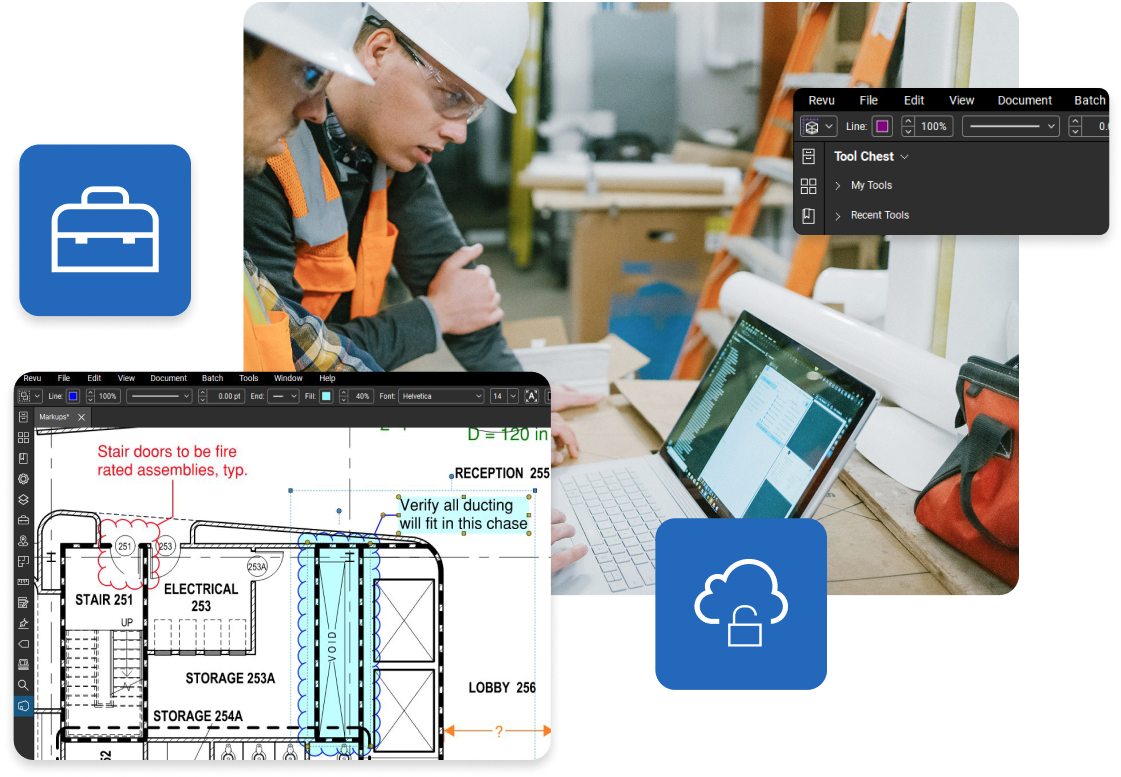
Revu offers powerful, highly customizable document management, markup and automation tools with a built-in collaboration space, Studio.
- Log in to any desktop with Revu installed and access your projects and tool sets
- Mark up and measure together with teammates in real time using Studio
- Share the latest drawings and documents with teams in the field using Bluebeam Cloud
- Increase security and simplify user login with single sign-on (SSO)
Bluebeam Cloud
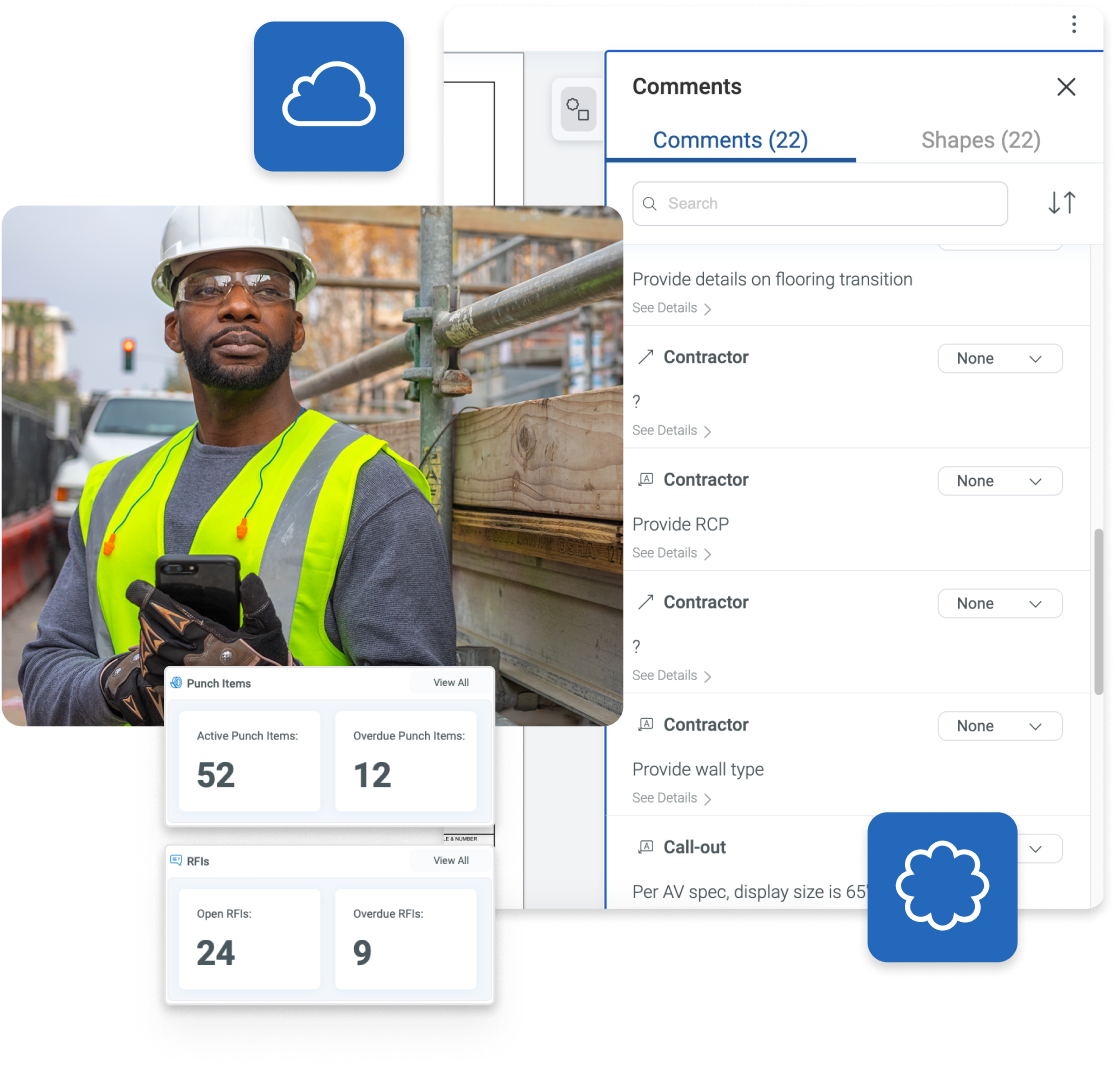
Connect office and field and complete workflows on the go with Bluebeam Cloud, the new suite of web and mobile solutions that seamlessly connects with your documents and tool sets in Revu.
- Work from anywhere via web or iOS device — no setup or installation required
- Seamlessly access your tool sets and Studio Project files from Revu
- Easily invite team members to markup and collaborate in real time with the Markup Editor
- Effortlessly manage punch, RFIs and submittals on the go with Field Tools
Services
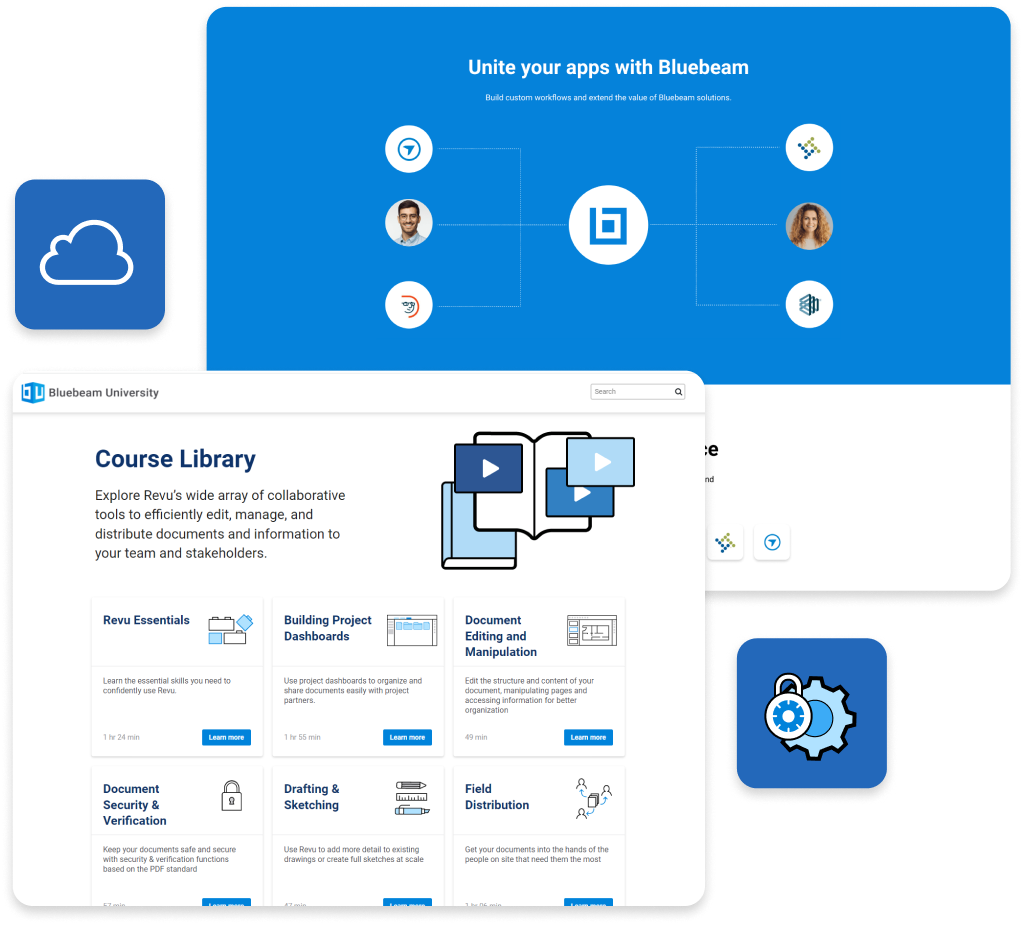
- Unlimited secure centralized cloud storage (as part of Studio and Bluebeam Cloud)
- Access to integrations to support custom workflows
- Access to Bluebeam University training courses at no additional cost
- Geolocational insights to help visualize, connect and organize data